DIGITAL PRESCRIPTION SOFTWARE
Digital prescription software for doctors: send prescriptions on WhatsApp
Digital prescriptions your patients actually open. Sign the visit and the prescription leaves as a picture on WhatsApp, with your letterhead and an optional spoken advice clip. Patients install nothing.
- Picture Rx sent on WhatsApp when you sign
- Opens in the phone's browser with no app to install
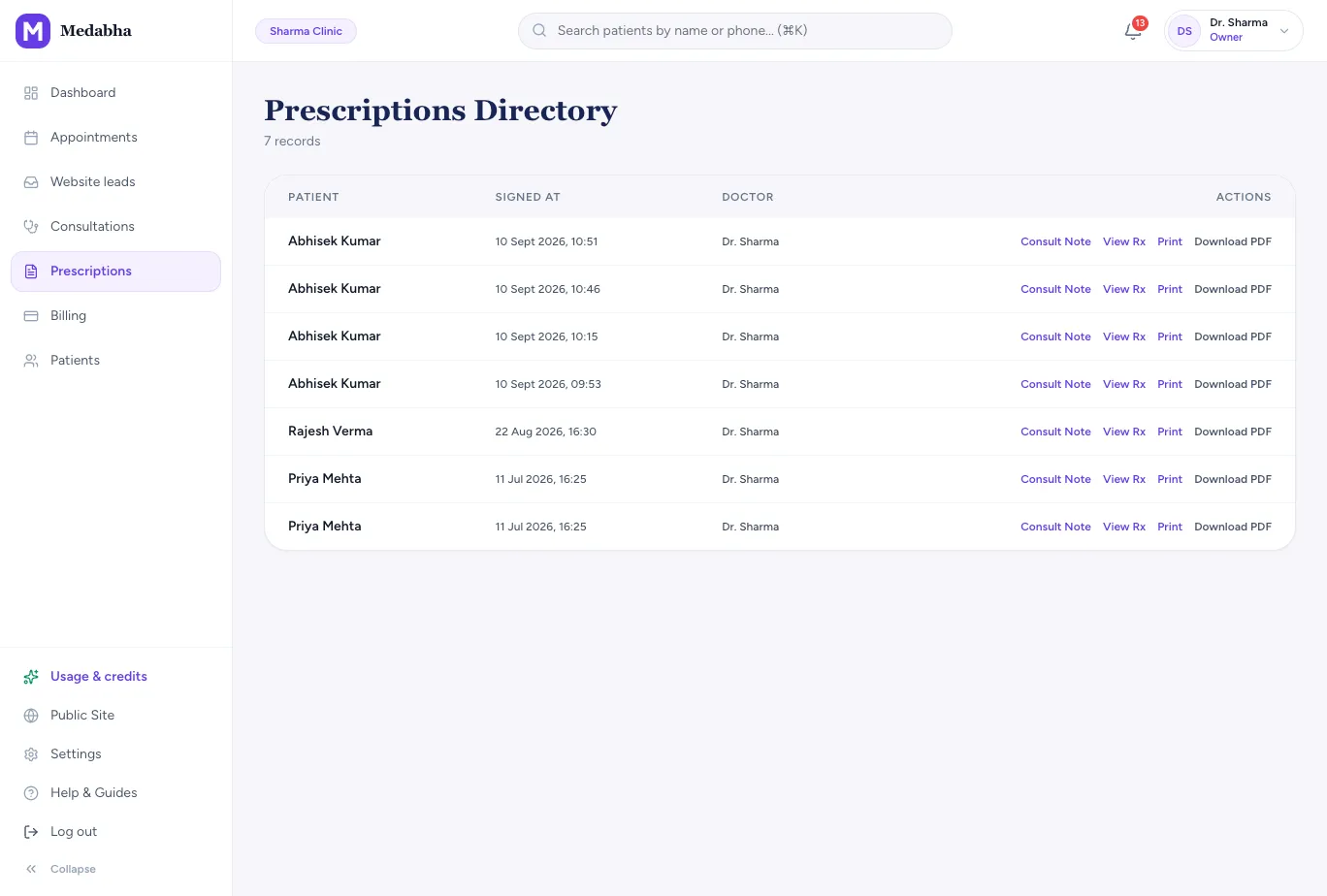
- Every signed prescription kept on the patient chart
Sign once, send on WhatsApp
Patients open WhatsApp many times a day. That is where a prescription is most likely to be found again.
Picture Rx
A picture of the signed prescription, with your letterhead, medicines, advice and follow-up, generated when you sign.
Send on sign
Tick a box while signing, or make it the clinic default so every signed visit is sent.
No app for patients
The message carries a link that opens in the phone's browser, with a share card that looks like your clinic's, not a bare URL.
Three ways to send
Share from your own phone, use Medabha's sender when your clinic has it unlocked, or connect your own WhatsApp Business account.
Consent recorded
WhatsApp opt-in is recorded when send-on-sign is used.
Add your voice for the family
A prescription tells a patient what to take. A short voice note tells the family how and why.
Advice clips
Record a 10 to 90 second clip in the family's language during the visit or afterwards.
Sent with the prescription
The clip is linked on the same sign step when one exists, and can be replayed from the share page.
Locked once signed
A clip is locked after signing so what the patient hears matches what was signed.
Found again later, by you and the patient
A digital prescription is only useful if it can be found when it is needed: at the chemist, at the next visit or at another doctor.
The patient's copy
The link stays in the patient's WhatsApp chat, so they can open the prescription again at the chemist or the next visit, until the link expires.
The clinic's copy
Every signed prescription stays on its visit and in the patient's history, so you can look it up or send it again.
Follow-up reminders
Send follow-up reminders on WhatsApp so the review date on the prescription is not forgotten.
Sign, send, open and find it again
- 1
Sign
Signing generates the prescription image with your letterhead.
- 2
Send
Tick send-on-sign, or make it the clinic default.
- 3
WhatsApp
The picture, and the advice clip if you recorded one, goes to the patient.
- 4
Patient opens it
They open the link on their phone. Nothing to download.
- 5
Retrieve later
The patient reopens it from the chat, and the clinic finds it on the visit.
Paper, a photo in a chat and Picture Rx
| Comparison | Paper | A photo in a personal chat | Medabha Picture Rx |
|---|---|---|---|
| Legibility | Depends on handwriting | Depends on the camera | A clean picture of a typed prescription |
| Your letterhead | Printed on the pad | Whatever is in the photo | Generated on every prescription |
| Record for the clinic | A carbon copy, if any | Scattered in chats | Saved on the patient chart |
| Advice for the family | Written lines | A separate message | An optional spoken clip with the prescription |
What to know
- Picture Rx is in English today. Multilingual prescription templates are planned. Spoken advice clips can be in any language.
- Patients not on WhatsApp can still be given a printed prescription.
- Share links expire after 90 days by default. Prescription rules vary by state and consultation type, so confirm current guidance for your practice.
Frequently asked questions
Is a digital prescription valid in India?
Requirements depend on the regulator, the state and the type of consultation. Keep your registration details on every prescription and check current guidance from the National Medical Commission and your state medical council. Our guide to creating a digital prescription covers what one must contain.
Do patients need to install an app?
No. The WhatsApp message contains a link that opens the prescription in the phone's browser.
Can I send from my own WhatsApp number?
Yes. You can share from your own phone, use Medabha's sender when your clinic has it unlocked, or connect your own WhatsApp Business account.
What if a patient does not use WhatsApp?
Print the prescription as usual. Our prescription software page covers writing and printing, and the prescription is saved on the patient chart either way.
Can I add a voice message?
Yes. Record a short advice clip in the family's language and it is sent with the prescription and replayable from the share page.
Keep exploring
Prescription software
Prescription software for Indian doctors: create a prescription from a medicine catalog, check allergies, sign and print it on your letterhead.
Learn moreAI medical scribe
Ambient AI medical scribe that understands Hindi, Bengali, Tamil and other Indian languages, even mixed with English. Drafts SOAP notes for you to review.
Learn moreEMR software India
EMR software for Indian doctors: ABHA on the record, an Indian medicine catalog, a 22-language AI scribe, WhatsApp prescriptions and UPI fees.
Learn moreSee it for your specialty
Read the guides behind this
Plain-language articles that explain the ideas on this page in more depth.
How to Create a Digital Prescription (and Share It on WhatsApp)
A digital prescription is faster to write, easier for patients to read and simple to keep. Here is what it must contain and how to send one in minutes.
6 min readAI in ClinicsHow Doctors Can Save Time Using AI Documentation
Documentation quietly eats hours every week. Here is where the time goes, how AI documentation gives it back, and how to measure the difference in your own clinic.
7 min readGuidesSpectacle Prescription Format in India: Sample and How to Read It
Learn the spectacle prescription format used in India with a sample prescription table. Understand SPH, CYL, AXIS, ADD and PD, how to read an eye prescription, and how clinics can print and share it.
14 min readSee it on your own workflow
Start the 14-day free trial, or book a short walkthrough with your own patients in mind.